





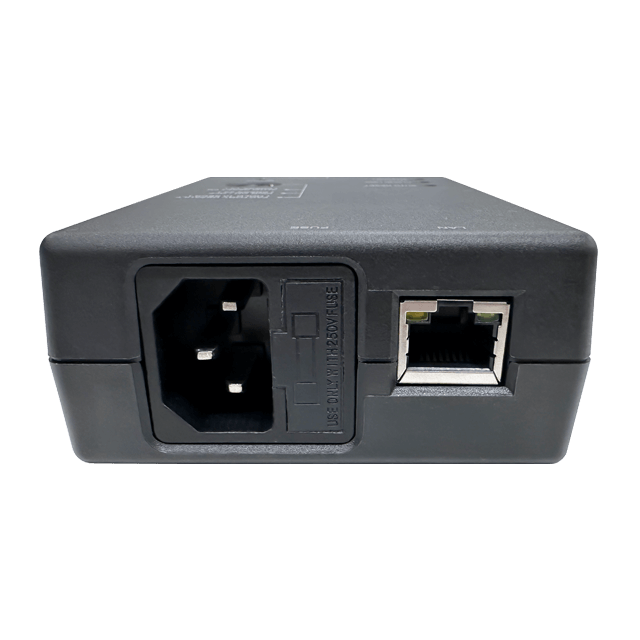

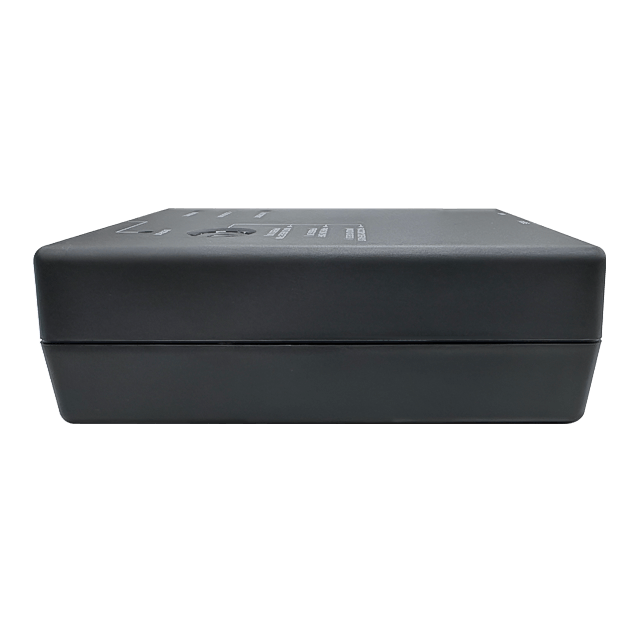


ezOutlet 5
10A SINGLE OUTLET
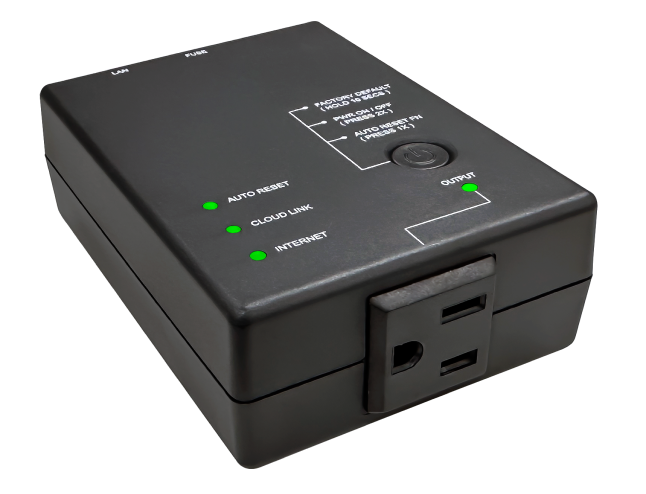
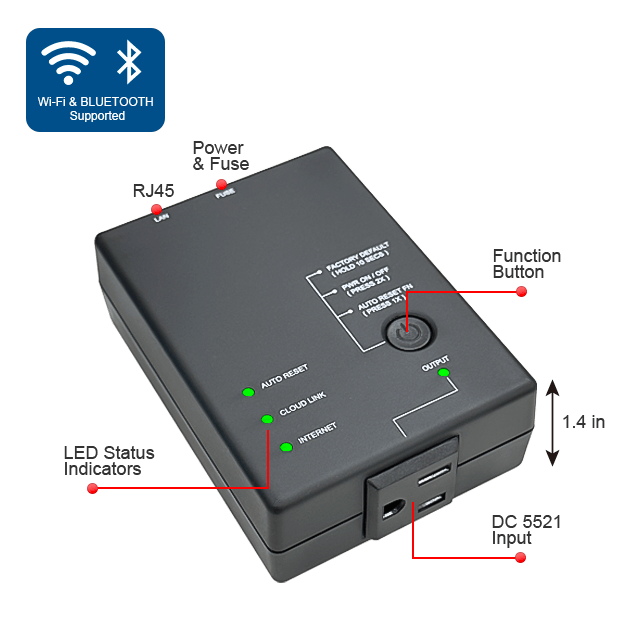
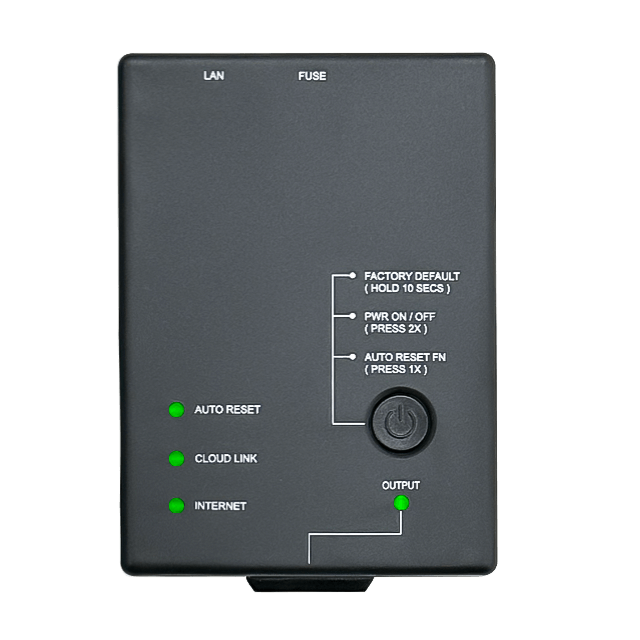
ezOutlet 5 is an autonomous power-reset device that comes built-in with Web interface, APP control and Cloud management functions. It’s primary function is to detect and automatically executes a power-cycle when either;
main features
Custom
Auto Reset
1x NEMA
5-15R 10A
Ceramic Fuse
Built-in GUI +
Restful API
Real-Time
Clock
Wi-Fi 2.4GHz
BT v4.2 BLE
LAN Port
ezOutlet 5
10A SINGLE OUTLET
ezOutlet 5 is an autonomous power-reset device that comes built-in with Web interface, APP control and Cloud management functions. It’s primary function is to detect and automatically executes a power-cycle when either;
main features
Custom
Auto Reset
1x NEMA
5-15R 10A
Ceramic Fuse
Built-in GUI +
Restful API
Real-Time
Clock
Wi-Fi 2.4GHz
BT v4.2 BLE
LAN Port
ezOutlet 5
10A SINGLE OUTLET
ezOutlet 5 is an autonomous power-reset device that comes built-in with Web interface, APP control and Cloud management functions. It’s primary function is to detect and automatically executes a power-cycle when either;
main features
Custom
Auto Reset
1x NEMA
5-15R 10A
Ceramic Fuse
Built-in GUI +
Restful API
Real-Time
Clock
Wi-Fi 2.4GHz
BT v4.2 BLE
LAN Port
ezOutlet 5
wiht a built-in web interface, APP control and Cloud management functions.
ezOutlet 5 is an autonomous power-reset device that comes built-in with Web interface, APP control and Cloud management functions. It’s primary function is to detect and automatically executes a power-cycle when either;
a) the internet connectivity is lost or,
b) the monitored network device is no longer responding.
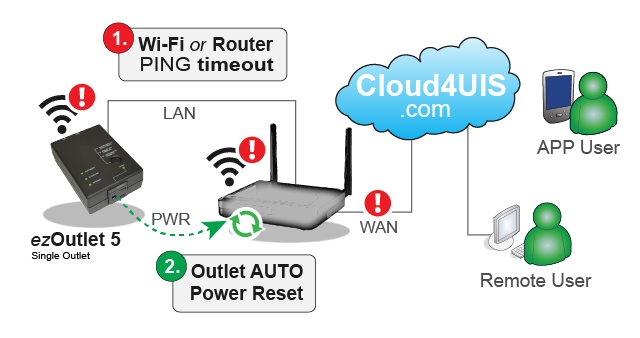
ezOutlet 5 is designed to;
- Reduce internet downtime due to unresponsive network equipment.
- Watch-dog for network devices (eg. IP camera, Wi-Fi AP, switches, NAS or IoT devices).
- Remote control of outlets.
- Schedule power off-on-reset
ezOutlet 5 is a desirable tool for;
- Small office or home xDSL users.
- IT professionals or network managers.
- System integrators.
- Internet or VoIP service providers.
- Kiosks or ATM providers.
- Vending Machine or Commercial Digital displays.
ezOutlet 5 Basic Setup:

Cloud4UIS Management Platform
Manage and control ezOutlet 5 through Cloud4UIS.com or the ezDevice app.
- Install ezDevice APP and scan to locate device.
- Device connects to nearest Wi-Fi AP or is connected via Ethernet cable to router.
- Device auto pairs with user’s Cloud4UIS account.
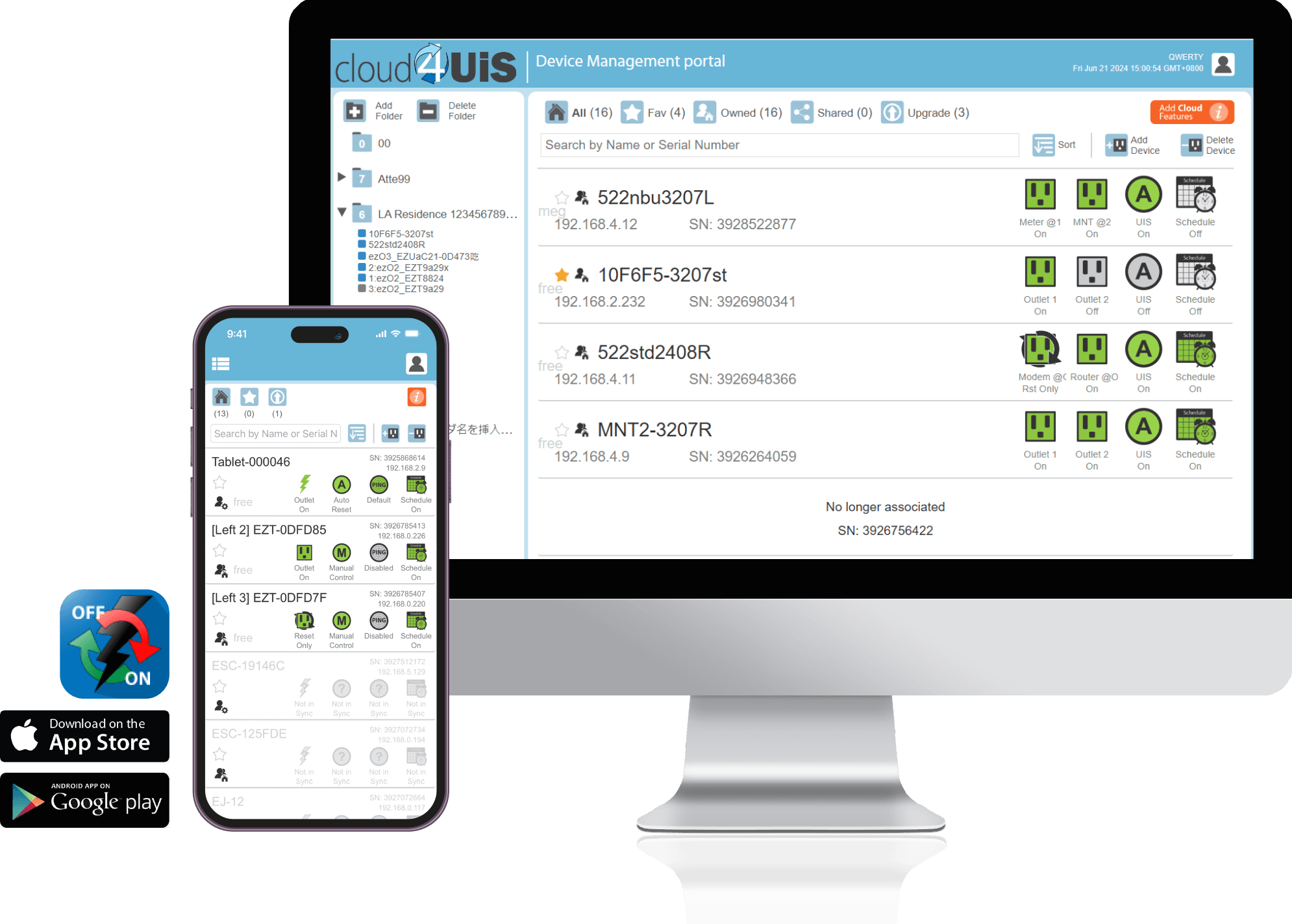
Remotely Access and control devices
Manage and monitor devices on a single platform
Share device with other cloud users
Assign access permission to shared user
Designate Favorite to make unit easily available
Stay updated with latest OTA frmware upgrades
Remotely Access and control devices
Manage and monitor devices on a single platform
Share device with other cloud users
Assign access permission to shared user
Designate Favorite to make unit easily available
Stay updated with latest OTA frmware upgrades
Notable Features
The following page is a compilation of frequently asked questions with regards to MSNswitch usage.
If you encounter a problem that is not listed in this FAQ, please email us. Be sure to include in your email;
a) Model number
b) Screen capture of “System Status” page
c) Screen capture of the issue
Do you have any suggestions or “Wish List” for our product? We’d like to hear from you. Send us an email.